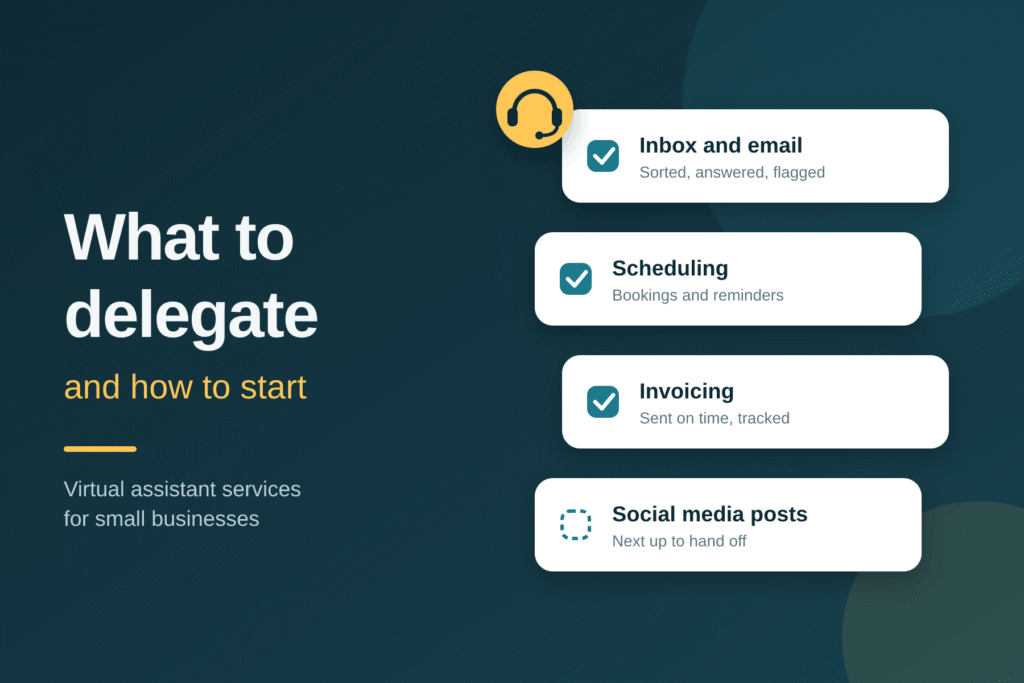
Virtual assistant services for small business give owners remote help with admin, customer support, marketing, and bookkeeping without hiring a full-time employee. The goal is simple. You stop spending your best hours on tasks that don’t grow the business.
This guide covers when a small business is ready for a VA, what to hand off first, and how to start without wasting money.
Why small businesses use virtual assistants
Small teams wear many hats. A founder who answers every email, updates the CRM, posts on social media, and chases invoices has little time left to sell or serve clients.
A VA works as an extension of your team. You get help scaled to your actual workload instead of a fixed payroll commitment.
Common benefits:
- Fewer hours lost to inbox, scheduling, and data entry
- Faster response times for leads and customers
- Flexible capacity during busy seasons
- Access to skills you can’t justify hiring full-time
Signs your small business is ready for a VA
- You work evenings on admin tasks
- Leads wait more than a day for a reply
- Your calendar or inbox is the bottleneck
- Bookkeeping, invoicing, or follow-ups slip
- You’ve turned down work because you lacked time
If three or more apply, you likely have enough delegable work to justify help.
What small businesses should delegate first
Start with tasks that are repetitive, documented, and low-risk.
| Area | Tasks to delegate |
| Admin | Inbox management, scheduling, travel booking, data entry |
| Customer support | Email and chat replies, order status, appointment reminders |
| Sales support | Lead research, CRM updates, follow-up emails |
| Marketing | Social media scheduling, newsletter setup, basic research |
| Finance | Invoicing, expense tracking, bookkeeping support |
For a full breakdown of duties, see our guide on what a virtual assistant does.
Small business VA examples by industry
Real estate. Lead follow-up, listing coordination, transaction paperwork. See our virtual assistant services for real estate.
E-commerce. Product uploads, order processing, customer messages, returns.
Professional services. Client scheduling, intake forms, invoicing, document prep.
Agencies and consultants. Reporting, project coordination, onboarding, inbox triage.
How to get started in 5 steps
- Audit your week. List recurring tasks and mark those that don’t need your judgment.
- Document the process. Short checklists or screen recordings are enough. Documented tasks transfer faster.
- Choose a starting size. Begin small, such as 10 to 40 hours a month, and scale up after you see results.
- Onboard over 30 days. Share tools through a password manager, set a weekly check-in, and review the first outputs closely.
- Measure results. Track hours saved, response times, and tasks completed. Expand scope once quality is steady.
Common mistakes to avoid
- Delegating without instructions
- Starting with high-stakes tasks first
- Giving shared passwords instead of using a password manager
- Skipping regular check-ins
- Choosing only on lowest price
What to look for in a virtual assistant provider
- Clear scope and a transparent hour-based plan
- Data security practices (NDAs, encrypted file sharing, password managers)
- Backup coverage if your VA is unavailable
- Time-zone overlap with your business hours
- Willingness to start with a trial or small package
For rates and plan sizes, see our guide to virtual assistant cost.
Work with Virtual Eases
Virtual Eases supports small businesses across the U.S. with administrative, bookkeeping, marketing, and technical help. Review our virtual assistant services or contact us to scope your first plan.
FAQ
What do virtual assistant services for small business include?
They typically include administrative support, customer service, scheduling, bookkeeping, social media, and sales support. The scope depends on your needs and plan size.
When should a small business hire a virtual assistant?
When admin work regularly cuts into revenue-generating time, or when response times and follow-ups start slipping. Many owners start once they’re spending 8 to 10 hours a week on repeatable tasks.
Is a virtual assistant worth it for a very small business?
Yes, if you have recurring tasks to hand off. A small monthly hour package lets you test the fit before committing more.
What should I delegate to a VA first?
Start with email management, scheduling, data entry, and basic customer replies. They’re repetitive, easy to document, and low-risk.
Are my business and customer data safe with a VA?
It can be, with the right setup. Use NDAs, a password manager rather than shared passwords, and limited access to only the tools the VA needs.